Put a reference image over your paint app.
Trace it directly.
Overtrace shows any image semi-transparently, always on top of your drawing software. In click-through mode your mouse and pen go straight to the app underneath — like a light table for your screen. Free. No installation.
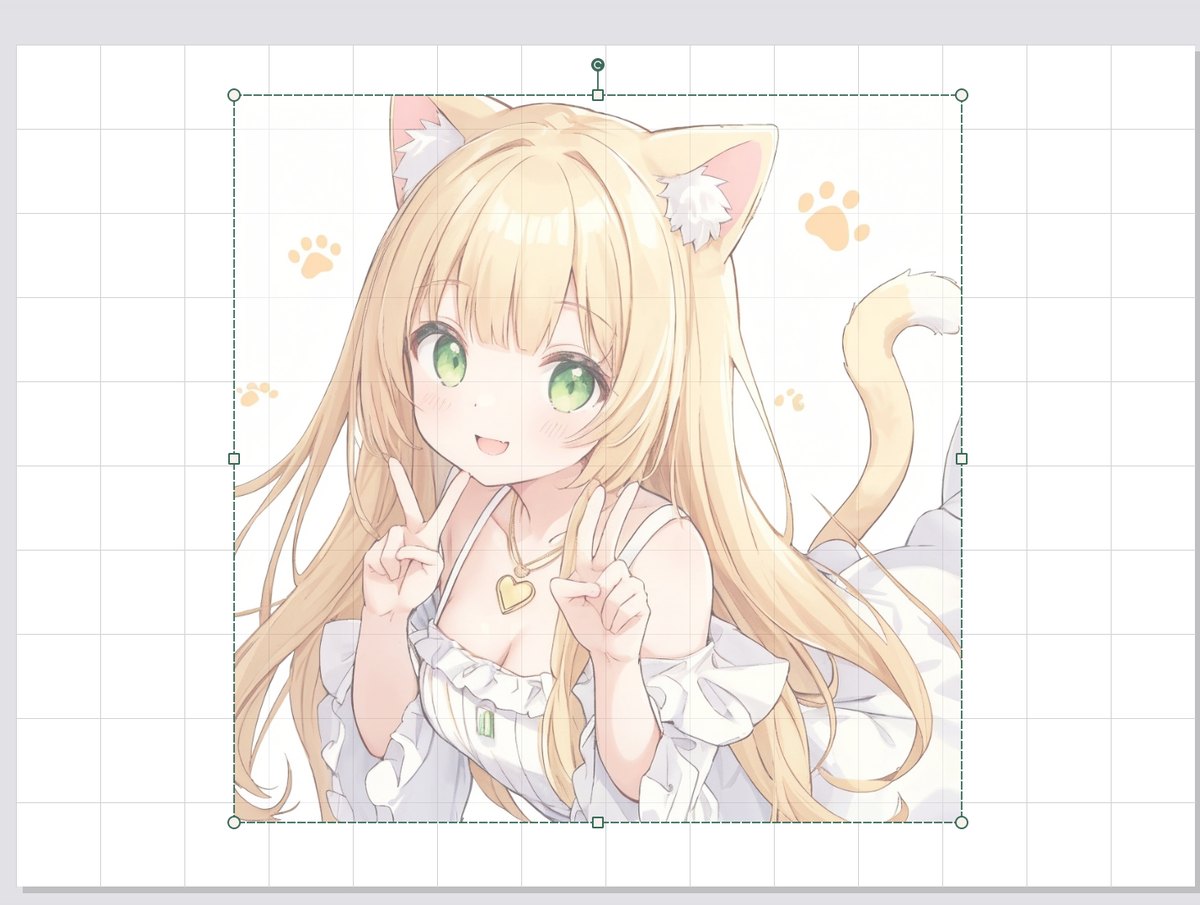 Edit mode: position, scale and tilt with the handles
Features
Only what you need to draw while looking at a reference — kept small and simple.
Click-through
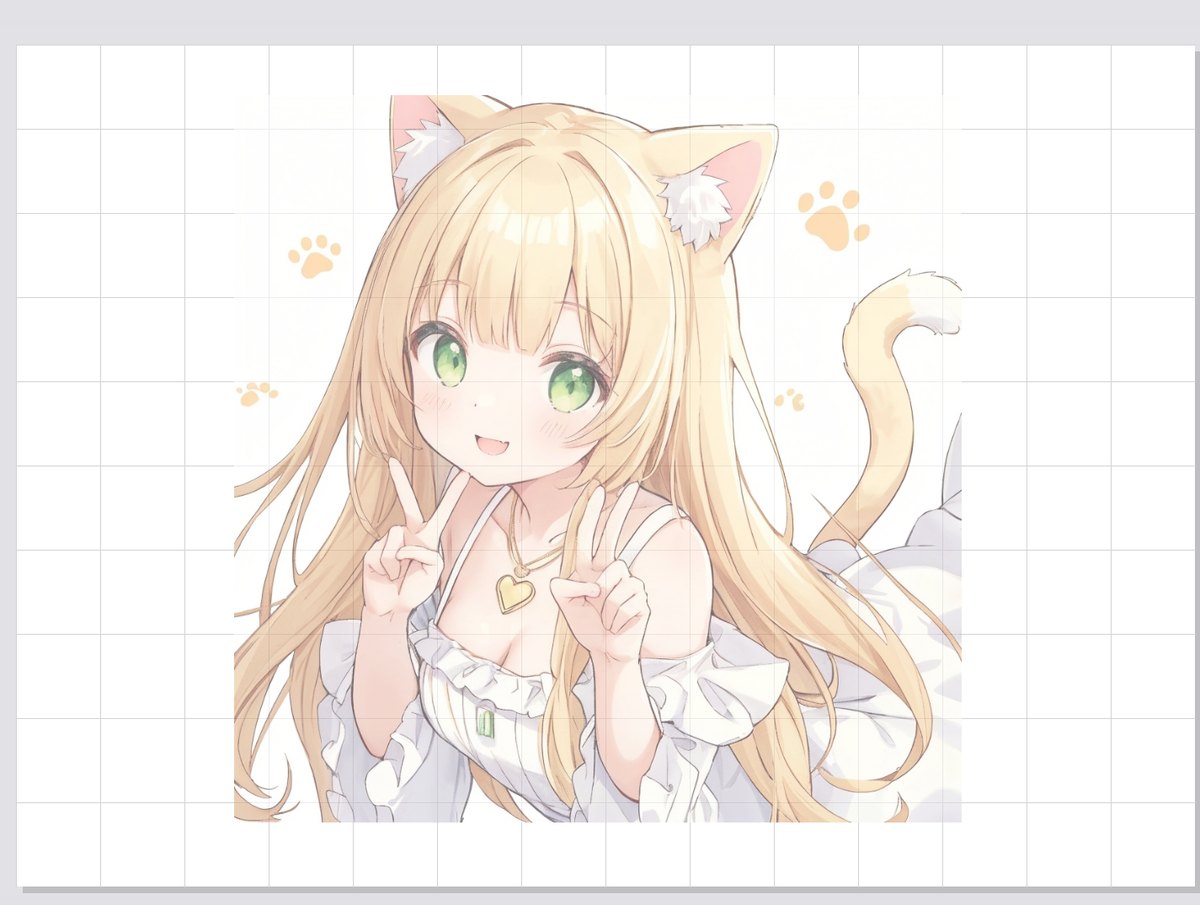
The reference stays visible while clicks and pen strokes go to the paint app below. Toggle with a click on the tray icon or Ctrl+Alt+T.
8 handles + rotation
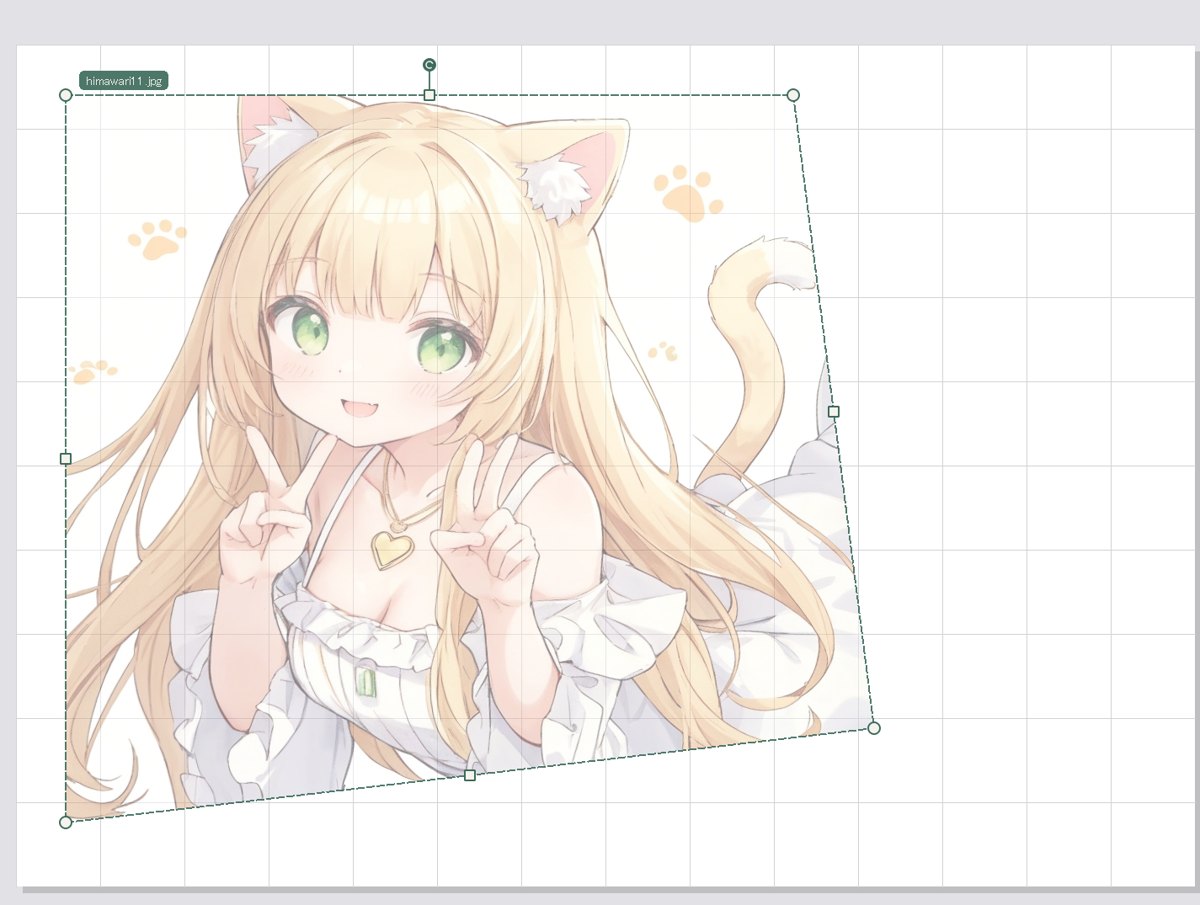
Corner and edge handles for scaling, keystone (perspective) correction and rotation — line up a photo taken at an angle in seconds.
Adjustable opacity
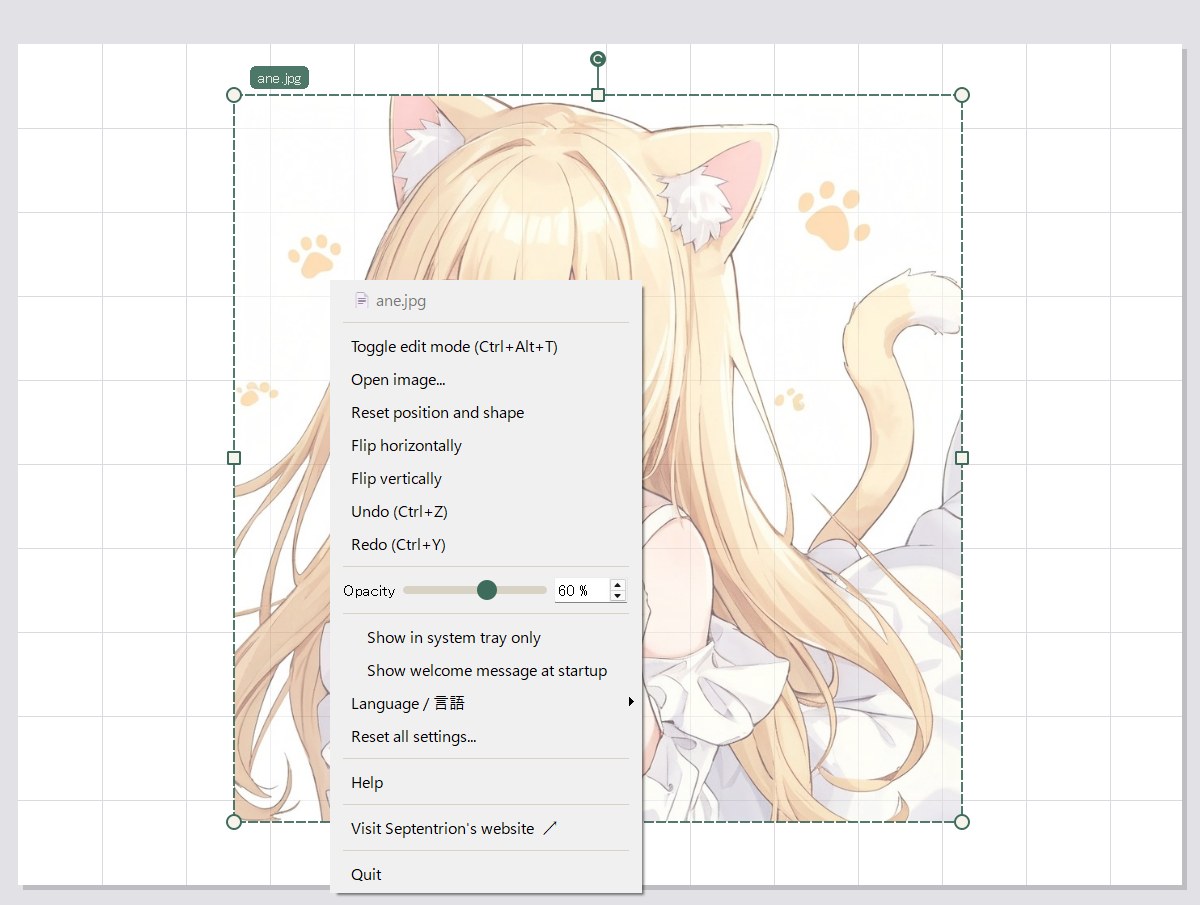
A slider in the right-click menu. Faint for rough layout, strong for clean-up — remembered per image.
Drop & paste
Drop an image file onto the overlay, or paste a copied image with Ctrl+V. References from the web go straight in.
Picks up where you left off
The last images and their placement are restored on the next launch. Several references at once? Just launch it again.
Single portable exe
No installer, no extra libraries, no administrator rights. Download, unzip, run.
Screens
This is what it looks like over a paint canvas.
How to use
Three steps the first time. After that it starts where you left off.
- Run the exe and choose a reference imagePNG / JPEG / BMP / GIF / WebP. Phone photos are shown the right way up (EXIF orientation is respected).
- In edit mode, use the handles to position, scale and tilt the imageCorners: scale (Ctrl moves a single corner = keystone). Edges: width / height. The round handle above the top edge: rotate.
- Click the tray icon (or press Ctrl+Alt+T) to switch to click-through mode and drawDraw in your usual paint app while looking at the reference. Switch back whenever you need to adjust it.
Controls
The same conventions as common image editors.
| Corner handles | Scale, keeping the aspect ratio (opposite corner fixed) · Shift free aspect · Ctrl move only that corner (keystone) · Alt scale around the center |
|---|---|
| Edge handles | Change width / height only · Shift/Alt opposite edge moves too (centered) · Ctrl shear |
| Rotation handle (above the top edge) | Rotate around the center · Shift 15° steps |
| Drag inside the image | Move |
| Arrow keys | Move 1 px · Shift 10 px |
| Mouse wheel | Scale around the center · Ctrl rotate 1° per notch |
| Ctrl+Z / Ctrl+Y | Undo / Redo (including flips and reset) |
| Ctrl+V | Paste a copied image as the reference |
| Esc | Back to click-through mode |
| Ctrl+Alt+T | Edit mode ⇔ click-through mode (works from any app; toggles all instances at once) |
Download
Unzip and run Overtrace.exe. The ZIP includes an English help file (help_en.html). The UI language can be switched between Japanese and English from the menu.
- Version1.0.0
- OSWindows 10 / 11 (64-bit)
- LicenseFree (donations welcome)
- InstallNot required (single exe)
- DependenciesNone
- Admin rightsNot required
- AuthorSeptentrion
FAQ
The reference drifts when I scroll or zoom my paint app
The reference is overlaid at a fixed screen position and does not follow the canvas. Keep the paint app's zoom and scroll fixed while tracing, or re-align the reference in edit mode.
Ctrl+Alt+T does nothing
If another app already uses that key, Overtrace automatically falls back to Ctrl+Alt+Shift+T (then Ctrl+Shift+T) and tells you in a notification. The key actually in use is shown next to “Toggle edit mode” in the menu. If none could be registered, click the tray icon instead.
Can I use several reference images at once?
Yes — just launch the exe again. Each window shows its filename in edit mode and in the menu, and the tray icons are numbered. Ctrl+Alt+T toggles all of them together.
Does it support multiple monitors?
Yes. With two or more monitors, “Display on monitor” appears in the tray menu. The choice is remembered.
Is there a macOS / Linux version?
No. Click-through relies on a Windows-only API, so Overtrace is Windows-only.
Where are settings stored?
Opacity, the last images and their placement are kept in the registry under HKEY_CURRENT_USER\Software\Septentrion\Overtrace; pasted images are saved in AppData\Local\Septentrion\Overtrace. To uninstall, delete the exe (and optionally that registry key).
About the author
Overtrace is free software developed by Septentrion. If it helps you, buying me a coffee on Ko-fi keeps development going.